budget changes
Managing Change During Construction
Improving Procore's budget changes experience — reducing data entry errors and making it clear where money is going to and coming from.

background
Change is the only certainty in construction
One of the only things we know for certain in any construction project is that things are going to change. The owner changes their mind, the price of materials changes, things get installed incorrectly, or unforeseen circumstances arise.
Documenting and managing change is vitally important in construction, because any change typically involves money, and at the end of the day someone has to pay for it. This is where Procore comes in.
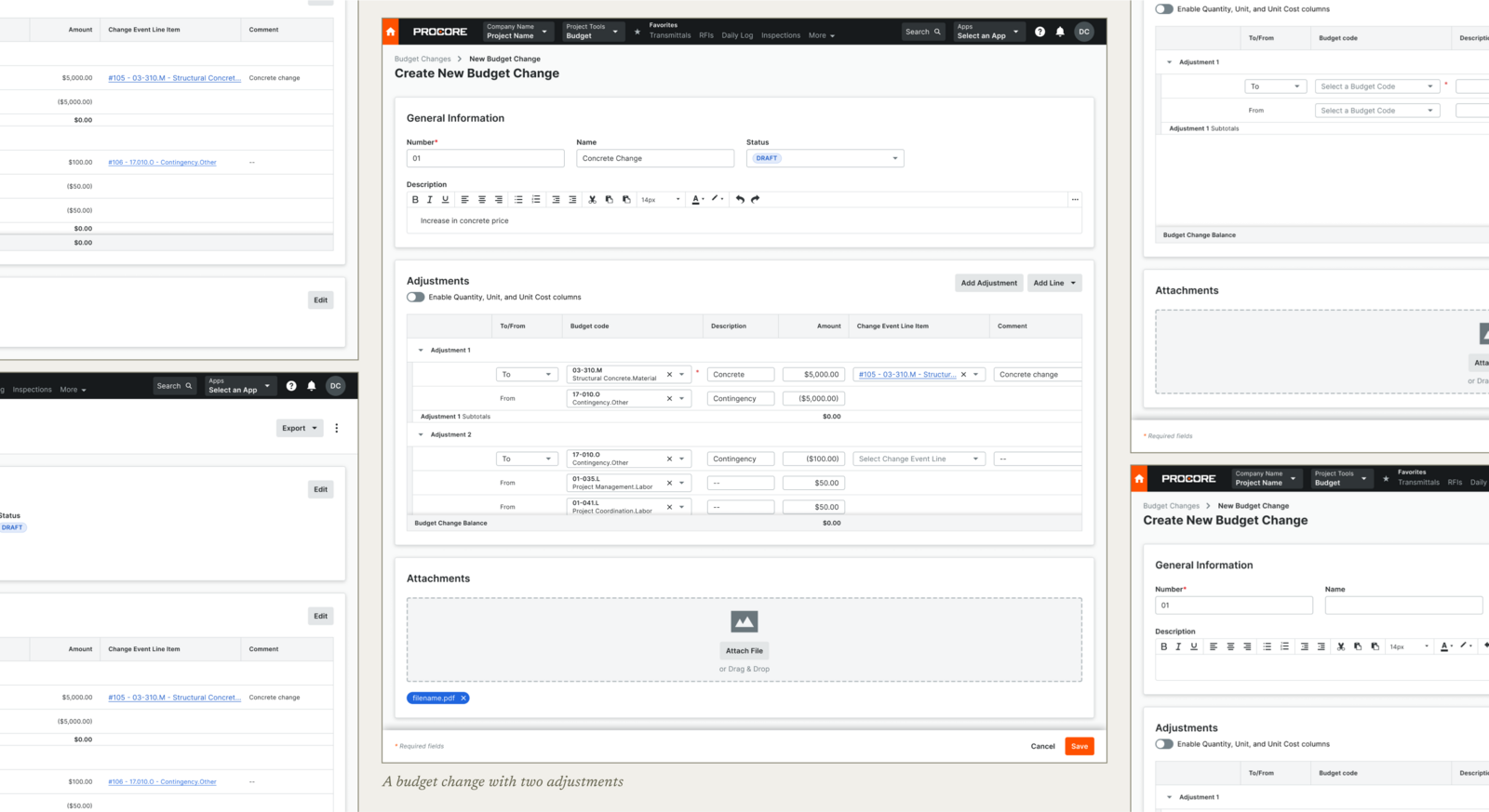
Budget changes are a type of change that involve moving money from one budgeted line to another. Some common use cases are balancing over- and under-budget lines at the end of the month, or moving money from contingency to cover an increase in cost.
my role
Joining in time for the GA release
I came onto the project full time just in time to see it through a GA release. In the months following release, we received a ton of feedback from customers who were working to adopt budget changes. While this was a highly requested feature, we noticed that many customers were encountering usability issues.
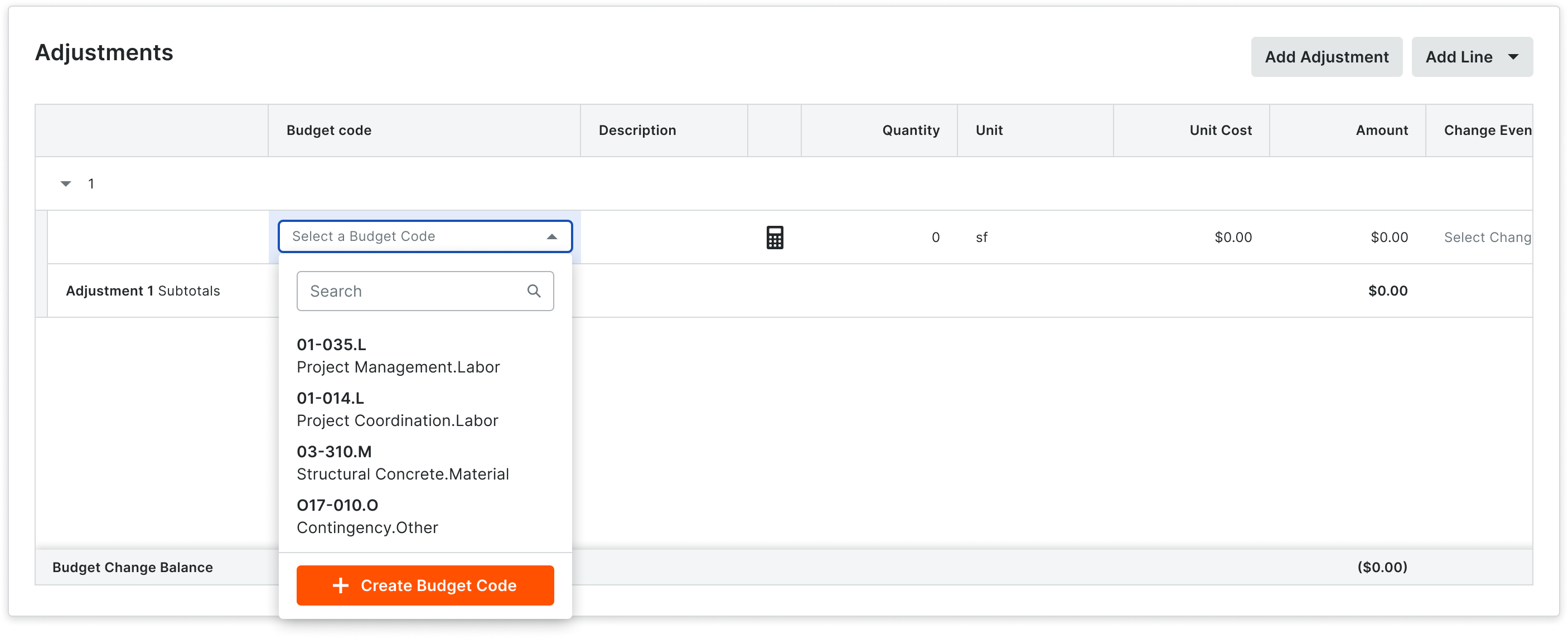
Budget changes are composed of two main elements. The adjustment is a grouping of one or more lines that indicate where money is going to and coming from. An adjustment line is the individual line within the adjustment. One budget change can have as many adjustments and adjustment lines as needed.
“Uggh… not intuitive. It's a lot more keying. How do you know [this line] is going 'from'?”
— Customers, referring to the 1.0 experience
the themes
Two problems surfaced from the feedback
Inefficient data entry
Many customers never use four of the columns (and having them visible by default caused data entry errors). It also takes two clicks to add a new line.
Table hierarchy issues
Customers didn't know where in the table to start entering data, and it was unclear where money was going to and coming from.
budget changes 1.1
A few of the noteworthy changes
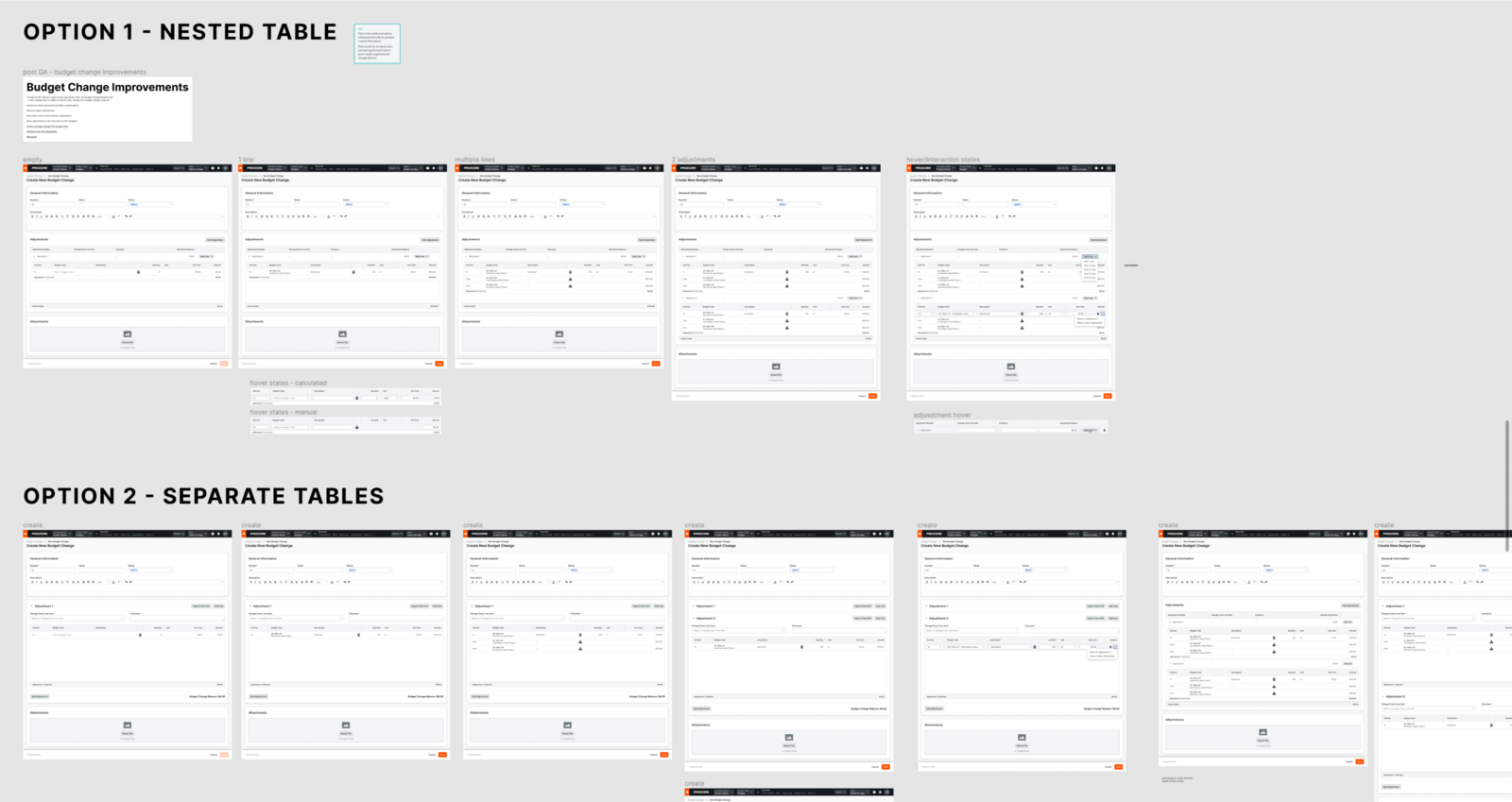
Although the team had not planned on actively developing new features for budget changes after the initial release, it became clear that we needed to improve it before our customers were fully satisfied. Over the next few quarters I worked with product and engineering, as well as our implementation and customer support teams, on a variety of improvements.
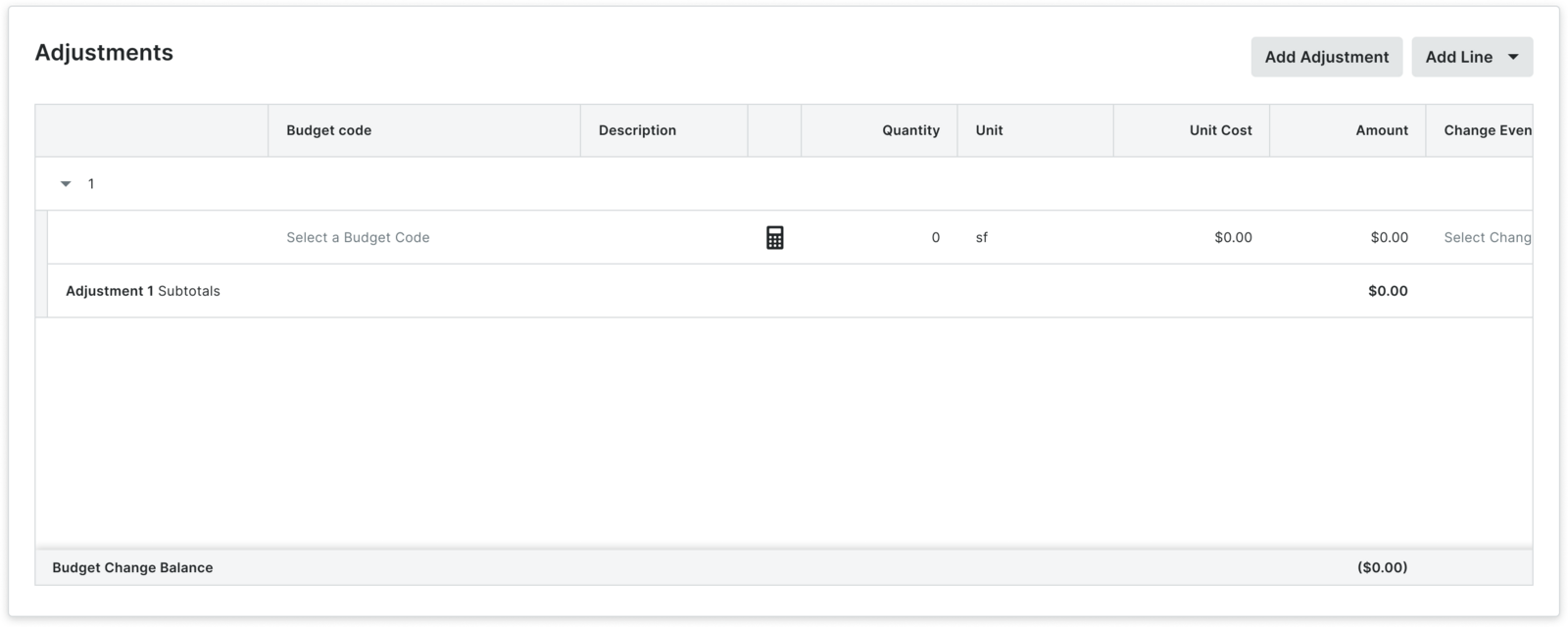
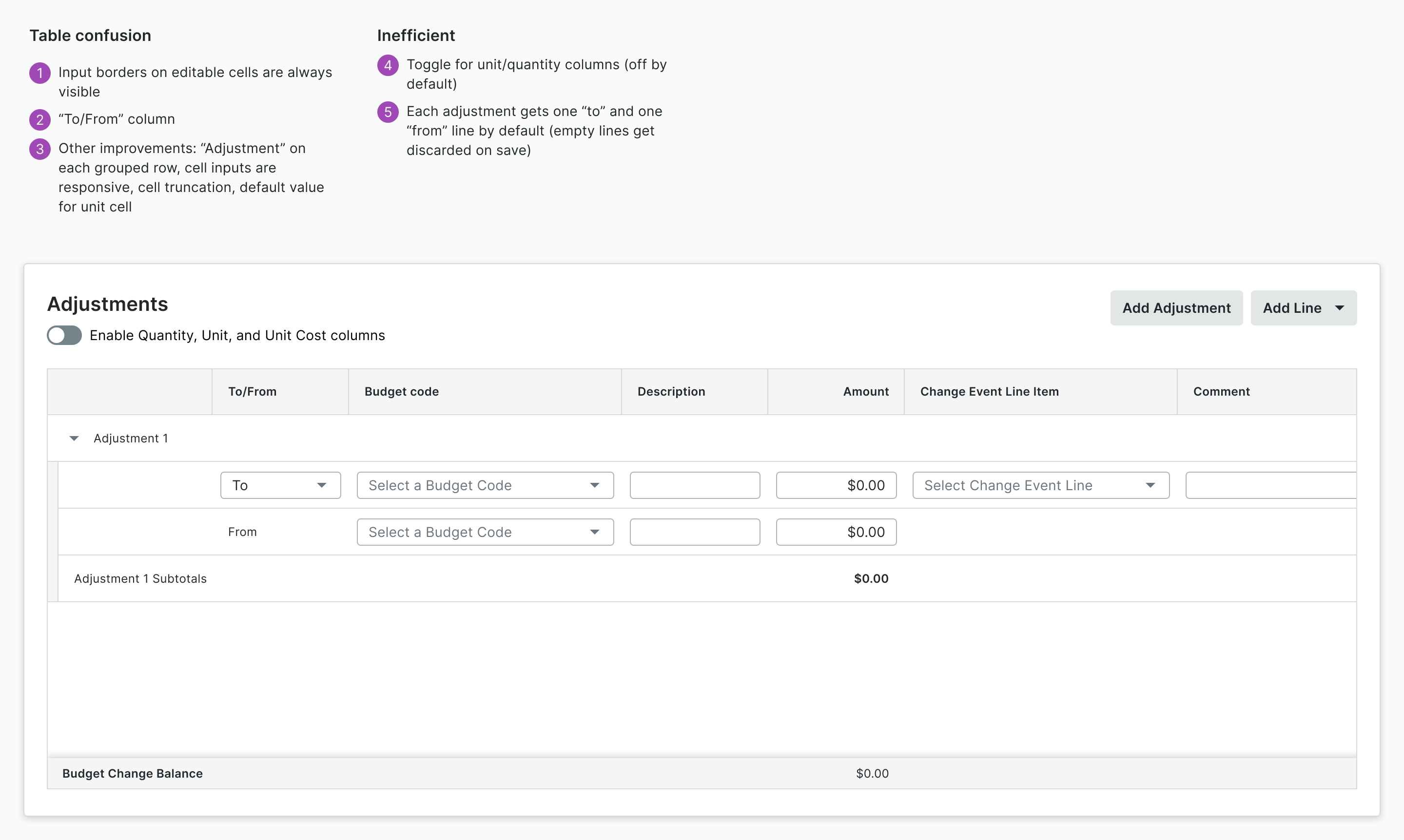
- Added a toggle for the four columns that users rarely use (off by default)
- Each adjustment gets one “to” and “from” line by default, reducing clicks to add a new line
- The outlines on editable cells are now always visible (as opposed to only on hover)
- Added a “To/From” column to make it more clear where money is going
- Added the word “Adjustment” on each grouped row, made cell inputs responsive to column width, and added truncation for long text
usability testing
Testing the new designs thoroughly
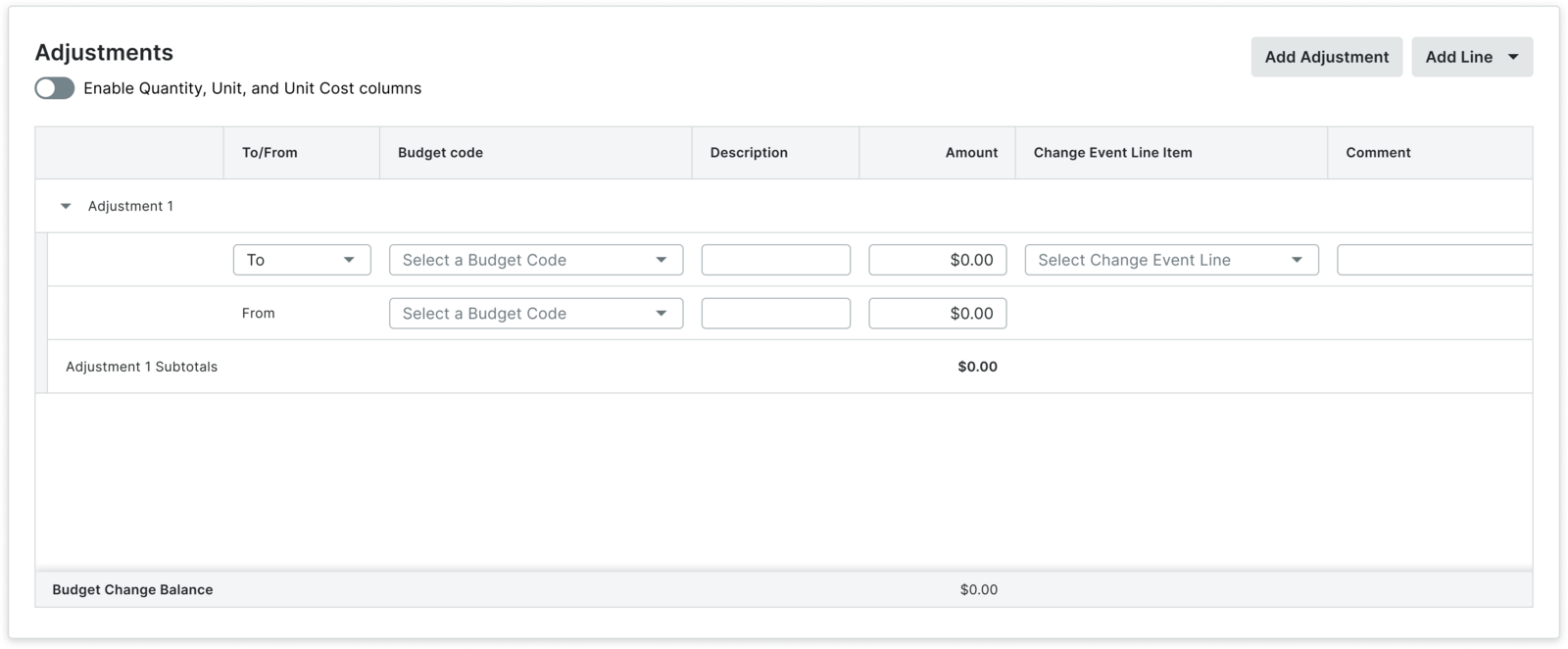
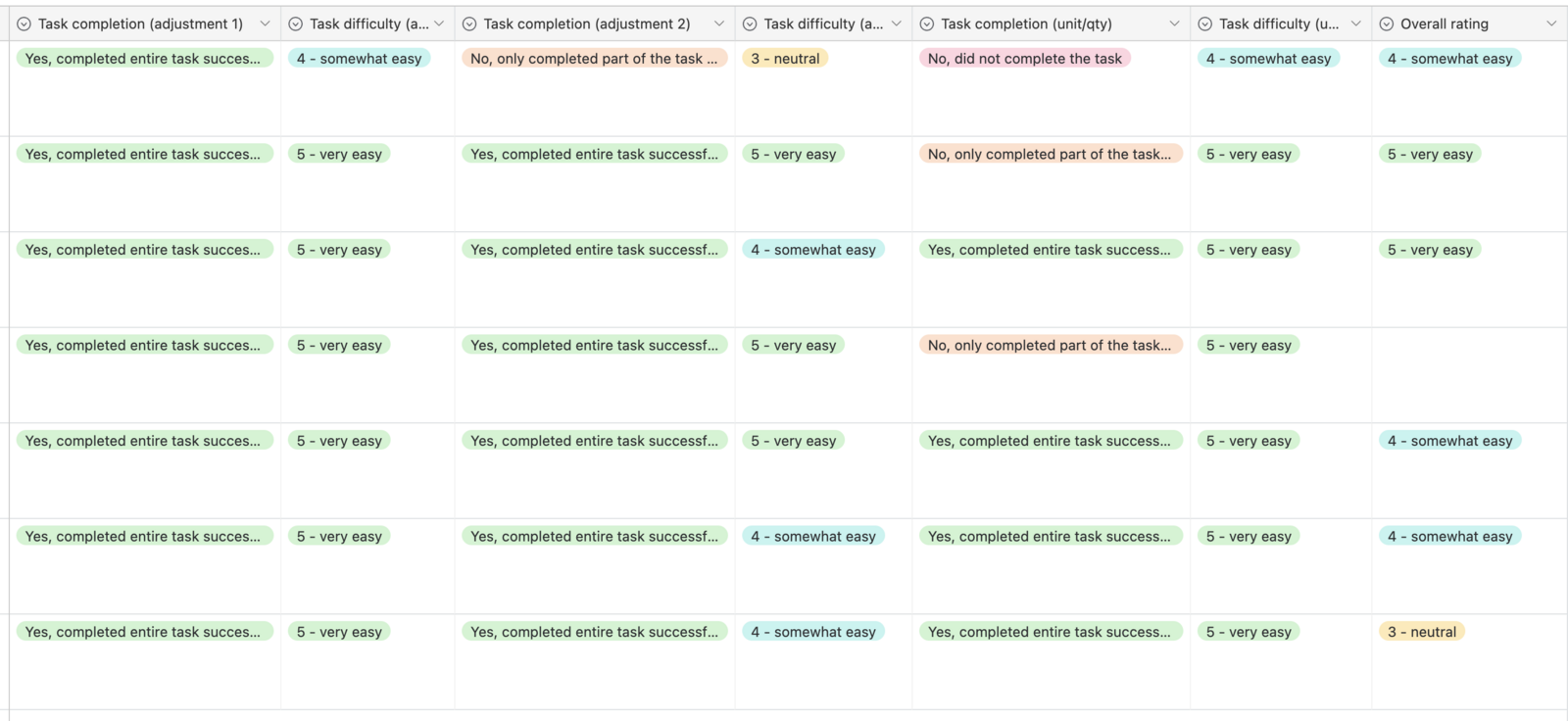
Because there were so many usability issues with the initial release, we wanted to be sure that we tested the new designs thoroughly. Customers were asked to complete several tasks related to creating a budget change and rate the difficulty of each task. Facilitators also rated participants on task completion.
Across all tasks, the majority of participants successfully completed the task, and rated it as somewhat or very easy.
“What you've shown me takes away so many of my complaints.”
— A customer after previewing the 1.1 changes
outcomes
Measuring what happens next
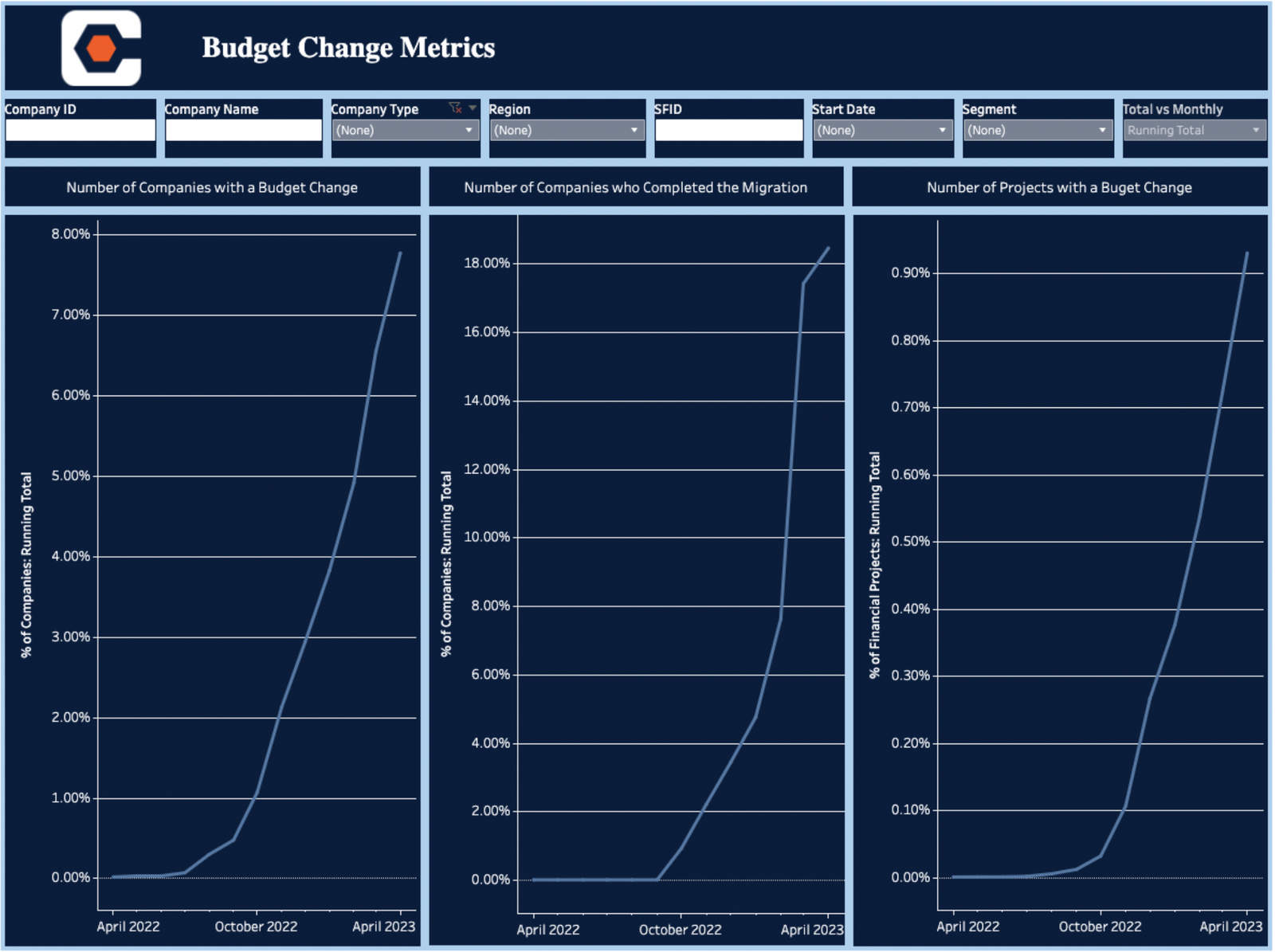
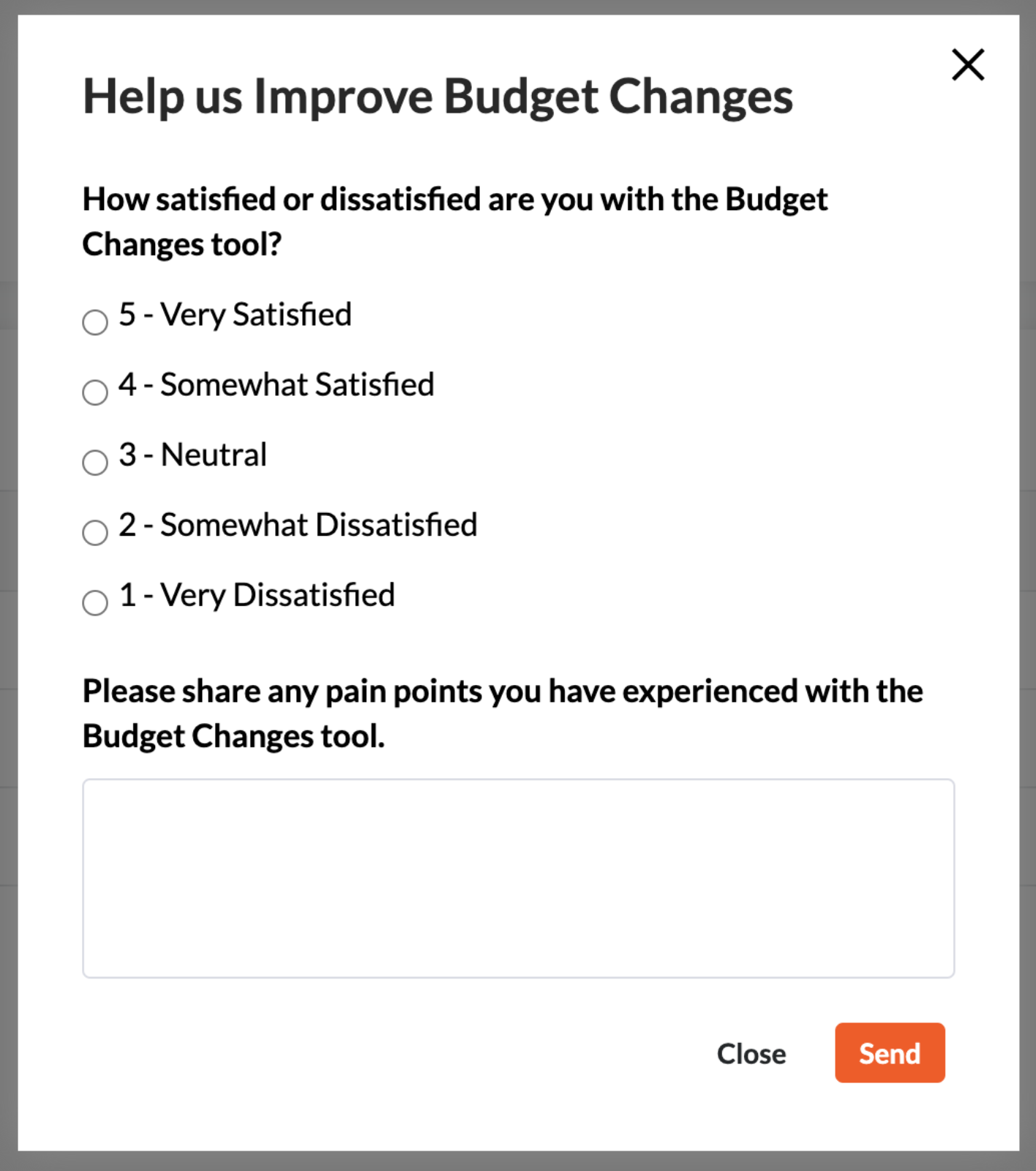
Once the 1.1 changes are released, we will be monitoring our success metrics of customer satisfaction score (CSAT), overall adoption, conversion, and time to create. Based on initial qualitative feedback we are confident that these metrics will increase across the board.
because you can't afford mediocrity
Today's market demands that you ship amazing, world-changing products faster, with fewer people, and smaller budgets.
Outshine your competition
Ship higher quality products
Increase team productivity